If there is one thing guaranteed to test patience during a busy workday, it is a messaging platform that does not behave the way you expect it to.
For a tool that millions of people rely on every day, Microsoft Teams does a strong job of keeping businesses connected, aligned, and productive. This latest update continues that progress by focusing on practical improvements that support real business communication. It supports everything from quick questions to full project collaboration, making it central to modern workplace communication.
However, even the best platforms can create friction when small usability issues interrupt daily workflows. Over time, those small frustrations add up.
Now, Microsoft is responding directly to user feedback, and these Microsoft Teams updates deliver long awaited improvements that are finally rolling out for users.
New Teams Update Built On Real User Feedback
One of the most encouraging parts of these updates is not just the features themselves, but the approach behind them.
Microsoft continues to refine Teams updates based on how people actually use it in real working environments. Instead of focusing only on large feature releases, the platform is now evolving through practical improvements that remove everyday friction.
As a result, Teams becomes easier to use, more intuitive, and better aligned with how teams communicate in reality. This update focuses on reducing friction in everyday work, not just adding new features.
A smarter Enter Key Experience
One of the most requested changes is also one of the simplest.
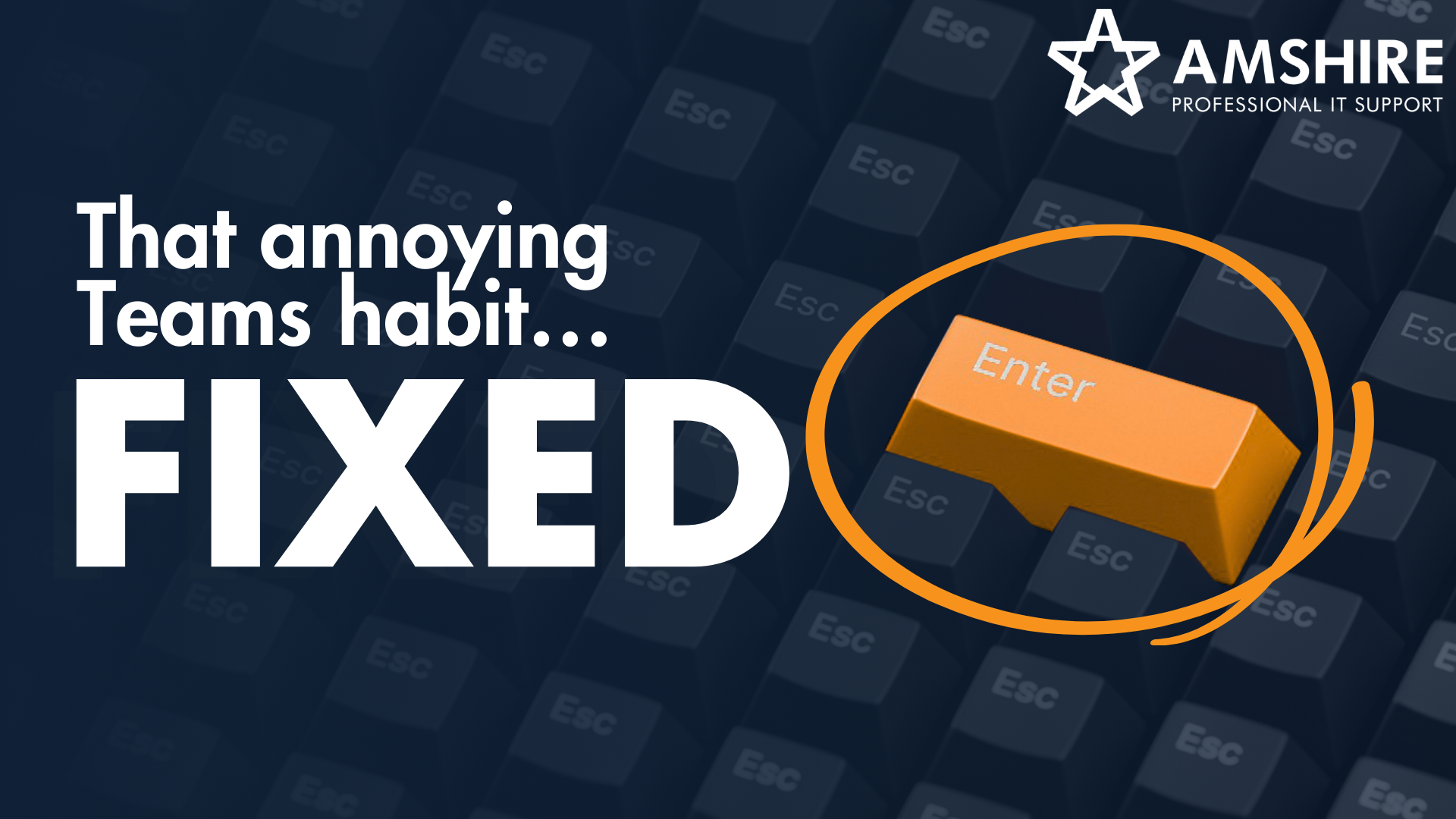
You will soon be able to choose what the Enter key does when typing messages.
Until now, pressing Enter automatically sent a message. This caused countless half written messages to go out accidentally when someone simply wanted a new line.
With the new update, users can choose to use Enter for a new line instead of sending the message. This gives people more control, reduces mistakes, and makes conversations feel calmer and more deliberate.
As a result, everyday messaging becomes smoother and more natural.
Forwarding Multiple Messages At Once
Another highly practical improvement focuses on message forwarding.
Previously, Teams only allowed users to forward one message at a time. This made it difficult to share full context, especially when conversations spanned multiple messages.
Now, thanks to a new Microsoft teams users will be able to select up to five messages from a chat or channel and forward them together in one action.
This saves time, improves clarity, and makes collaboration more efficient. It also reduces the need for screenshots, copy and paste actions, and fragmented explanations.
Why This Microsoft Teams Update Makes A Big Difference
On the surface, these updates may appear minor. However, their impact on daily productivity is significant.
Business communication depends on speed, clarity, and ease of use. When teams rely on messaging platforms all day, even small delays or frustrations can slow momentum and disrupt focus.
By removing friction from hundreds of small interactions with this Microsoft Teams update, Teams supports better workflows, stronger collaboration, and more consistent communication across organisations.
In other words, small changes create meaningful operational improvements.
Getting More Value From Microsoft Teams And Microsoft 365
Features alone do not guarantee efficiency. The real value comes from how well your systems are configured, integrated, and aligned with how your teams actually work.
At Amshire Solutions, we help businesses get more from their Microsoft environment by ensuring their tools support productivity instead of creating friction. From collaboration platforms to full Microsoft 365 environments, we focus on building systems that work for people, not the other way around.
If you want support optimising your Teams setup, improving how your Microsoft tools support your business operations, or you simply want help better understanding new Microsoft Teams updates, our team is here to help.
Get in touch with Amshire Solutions to start building a more efficient, connected, and productive digital workplace.